I am on Vero
Totally forgot about the platform for a while. I had reasons not to be on it back then, but now Vero seems less broken than things like Instagram.
So, I am on Vero to post photos. Let’s connect!
Totally forgot about the platform for a while. I had reasons not to be on it back then, but now Vero seems less broken than things like Instagram.
So, I am on Vero to post photos. Let’s connect!
Three weeks before I ran beyond tellerrand in Berlin Léonie wrote me to ask, if I’d be up for co-hosting this years [Inclusive Design 24] online event. Of course I am!
The event takes place on September 22nd and even though it is the 17th birthday of my son at this day, I will find a couple of hours to co-host the show. I am looking forward to a full day of interesting talks from people like John Allsopp, who is speaking about inclusive online events or talks like “Power and Participation in Research” by Catherine Collins. You can find all so far announced presentations in the schedule of #id24. Looks great, doesn’t it?
The whole event is completely free to attend and runs for 24 hours (hence the name). You can also already subscribe to the playlist of the event on YouTube. And if you have a question to any of the presenters, then follow @id24conf on Twitter and ask your questions here.
Thats’ it. See you on September 22nd!
During beyond tellerrand in Berlin the ZDF has been in the house and followed Janis McDavid before, during and after his talk.
You can watch the short clip in the ZDF Mediathek and maybe you spot yourself in the film ;)
For beyond tellerrand I often team up with other events and we help to promote each other. The reasons are as easy as follows:
This time I’d love to introduce you to an event taking place 15 and 16 September 2022. It is called Working Products, exists since 2016 and topics are agile product development, product management and product culture amongst others.
If you are someone who is responsible for digital products, like a product manager for example or a product owners, then this event is something you should have a closer look at.
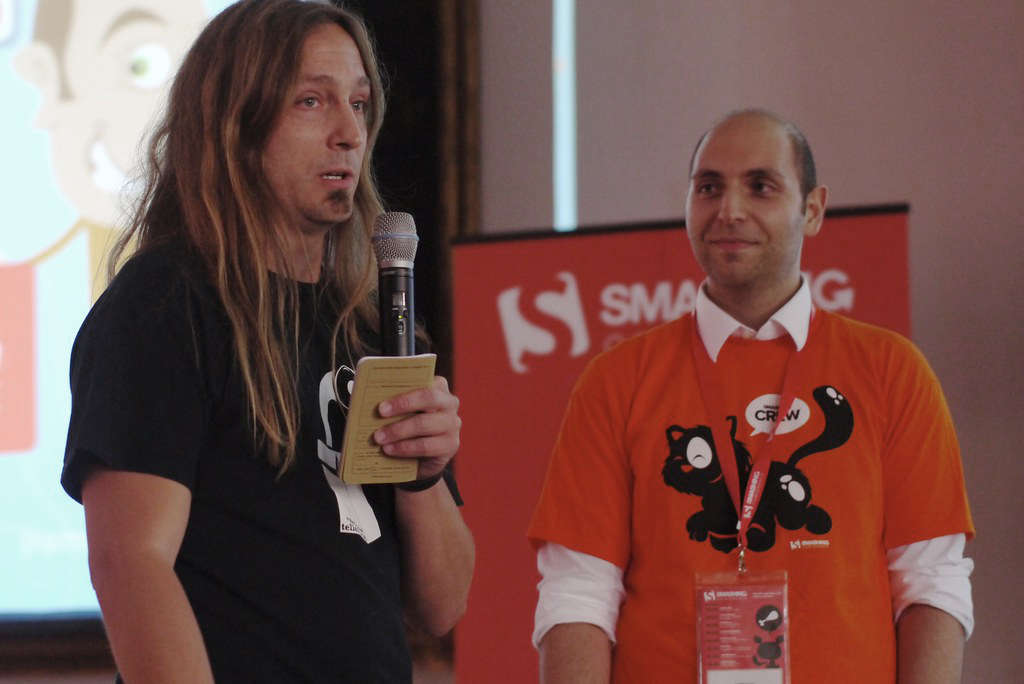
In 2011, on the very first beyond tellerrand conference I ran, Vitaly Friedman was part of the line-up. We had just got to know each other and met for the first time, when we did a road trip to the New Adventures Conference in January 2011. Together with Stefan Nitzsche, Andreas Dantz and Bastian Allgeier we hit the road in a van and drove from Essen to Nottingham. I remember interesting conversations, great fun and only have vivid memories of this adventure and caught a few of these memories in photos.
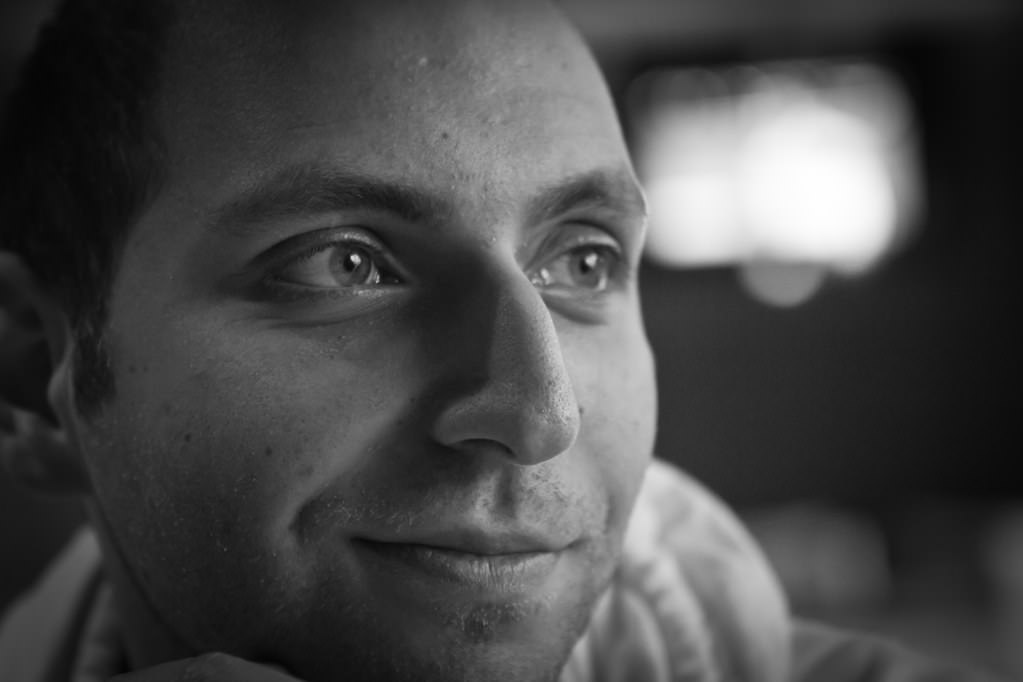
I was planning my first beyond tellerrand event also during this time, which was about to happen in November 2011. Vitaly was planned to be one of the speakers. He came and spoke and we became good friends. During beyond tellerrand in 2011, towards the end of the show, Vitaly took me aside and told me how much he loved the atmosphere and energy and asked if we two should start an event together under the umbrella of Smashing Magazine. And so we did.
In September 2012, we kicked of the very first Smashing Conference in Freiburg and I am happy that we continue this each and every year. Happy to be part of this adventure and to have met Vitaly.
Thanks Vitaly, for all the years of friendship, fun and the excitement we share! On to more adventures …
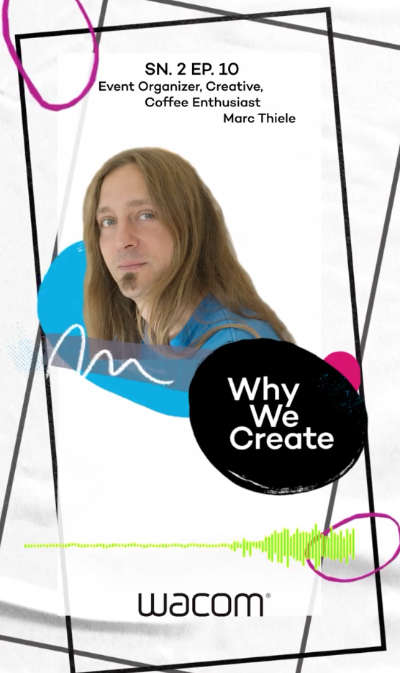
From time to time I get invited to an interview or asked to speak or, like this time again, to be a guest in a podcast. Often times the inviting people ask me to speak about what I do and how it all started with beyond tellerrand and I usually think ”Why should anyone be interested in this and what could I possibly talk about, that wouldn’t bore people to death?”
For some reason it seems to be interesting, though, and the feedback usually is really nice. Same counts for the last podcast I have been invited to, which is the Why We Create Podcast. I really enjoyed the conversation and could not stop speaking about events, community and why in-person events are important.
One reason, why it was such a great fun and so easy to chat about the things I do is, that Megan Davis (who runs the Wacom Experience Center in Portland) and Chris Diego made it so easy. They made me feel welcome and the best part was, that it was an in-person interview. Megan and Chris were in Düsseldorf and at the Wacom Experience Center Düsseldorf that opened not too long ago and where we held the beyond tellerrand Warm-Up before the Düsseldorf shows for the last times. It was wonderful meeting them face to face and recording this podcast while having a coffee with them.
If you want to listen to the podcast, do it here or at any other platform where it is listed
Why we Create is a podcast brought to you by the team at the Wacom Experience in Portland, Oregon. In this podcast we'll be exploring the behind-the-scenes stories from artists, inventors and the daringly creative. Join us on this conversational adventure while we share stories with artists and creators from every corner of the world.
I just re-watched the two trailers that Andy Brügemann and Stefan Nitzsche released before the pandemic for their documentary about my beyond tellerrand (@btconf) events. And even though it feels strange to listen to myself or knowing there is a film to be released about what I do, I have to say, that I said many things that are still and always counting for me. I love to run these events from deep out of my heart and I am excited for what is coming. Despite the tough times all event organisers experience right now. Because the majority of people I know who run events, do it because it is their true passion. Thanks for each and everyone supporting this for more than 10 years now.
I am running a couple of days each week for many years now. For a couple of years I was thinking about getting a bike to ride it in addition to running. I got one now – and I wish I would have done before.
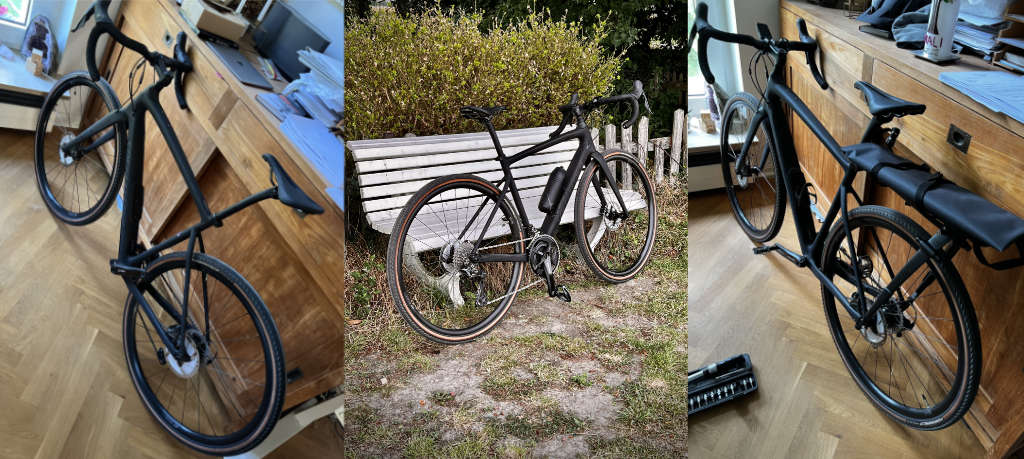
I was watching a couple of bikes on ebay Kleinanzeigen (something like a marketplace for used things). Those were: Rose Backroad, Benotti Fuoco Gravel or Specialized Diverge Comp Carbon (the 2021 model).
In the end I shot the last one, the Specialized, for a good price and only 6 months old. I can tell you, that I love it. I love riding it, the flexibility I have got with a gravel bike where I live, to use it in the forest, fields and alongside the small rivers on the gravel paths.
We also already did a three-day tour with friends already which was great fun. For this and future bike trips, I got the Tailfin rack system which is not cheap, but great. Super light, easy to attach and detach while you don’t need it and with Tailfin being super quick and nice with their support, if you have questions.
So, if you wonder where I am, when writing less these days and I am not on events like beyond tellerrand or Smashing Conference: I am outside, riding my bike ;)
I have been busy running the first beyond tellerrand event in 2022 in Düsseldorf. It was absolutely fantastic. Even though the event has not been sold out, like any other before, the vibe, the atmosphere and the warmth people created was amazing. Speakers, audience, partners … they all have done an incredible job and have been excited to meet again in person. Pure joy!
Two weeks later I ran a one day spin-off in Hamburg that was titled axbt. It was a cooperation with one of the partners – awork – who support the rest of my beyond tellerrand events also. Date wasn’t picked wisely, a few other mistakes had been done and I once more learned that listening to my guts is important for what I do as many of the things that weren’t turning out as wished were things I wasn’t sure about in the beginning. Well, lesson learned again …
When I came back from Hamburg on the Friday, we had to finish organising the Kommunion of our youngest daughter. 40 people of our family came and we were hoping for good weather as we planned to host a garden party. Weather turned out nicely and it was good fun.
Next to the above I was working on post event stuff for Düsseldorf and Hamburg and am still working on it. I also took a few days to be there for the family and spent time with them at Toverland and in Rotterdam later.
And now? Now I am back, have more time to write down things here again, but also am planning Berlin’s 2022 edition with a stunning line-up as well as traveling to San Francisco on the 18th to run Smashing Conf SF together with the rest of the Smashing Team.
Which events are you thinking to attend in 2022?
It has been quite a while since I had the honour of being a guest in the Workingdraft Podcast. The podcast in German language is a long running show and in their 525th episode it was about time to chat about all things events again and being an event organiser in times of Covid. The two lovely hosts Schepp and Peter Kröner made me feel very welcome and the recording pure joy. Thanks a lot.
I hope you are going to like the edition of Workingdraft … well, if you understand German that is.